Video analysis works best when it turns one session into one clear training focus. Padel Coach App is built around that idea: record a clip, upload it, read the feedback, and choose what to practice next.
Record useful clips
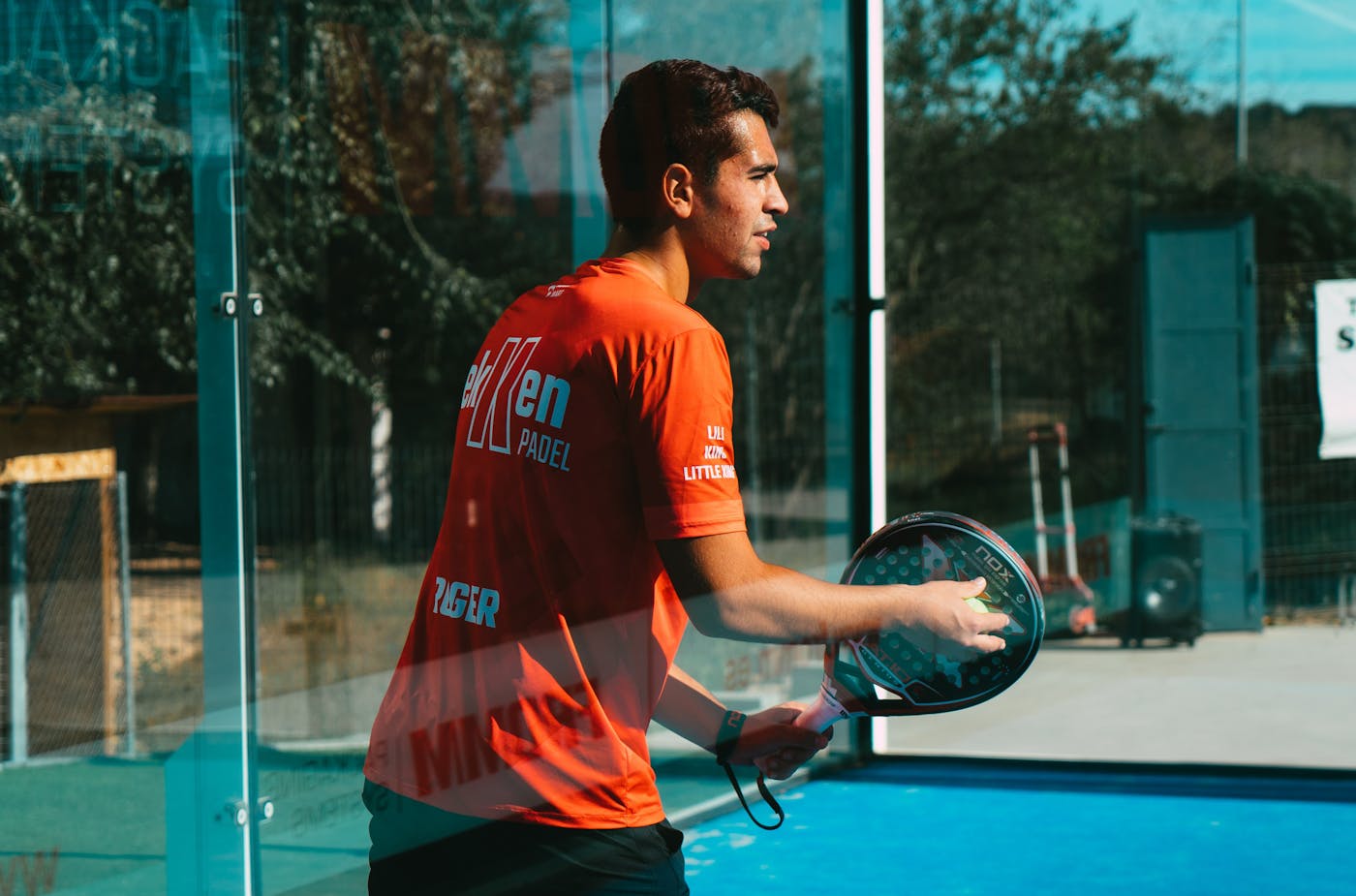
You do not need a perfect camera setup. Start with short clips that show your movement, contact point, recovery, and court position. Rallies from the side or back of the court usually give better context than isolated shots.
Try to capture:
- Your preparation before contact
- Your split-step and recovery
- Your position relative to your partner
- The result of the shot and the next ball
Look for patterns, not one-off mistakes
One missed volley does not define your game. Repeated issues matter more. If the same theme appears across several clips, such as late preparation or poor recovery after the bandeja, that is a useful training target.
Turn feedback into a drill
After reviewing your analysis, pick one drill from the padel drills library. Keep the drill narrow enough that you can repeat it and measure whether it improves.
Track the follow-up
Use session logging and progress tracking in Padel Coach App to record what you practiced, how it felt, and what changed in the next match. This is where improvement becomes visible.
For players who already work with a coach, AI feedback can also make lessons more productive. Bring the clip, the app feedback, and your own notes into the next session.
Learn how our guides are researched, prepared and checked in our editorial policy.